Volume
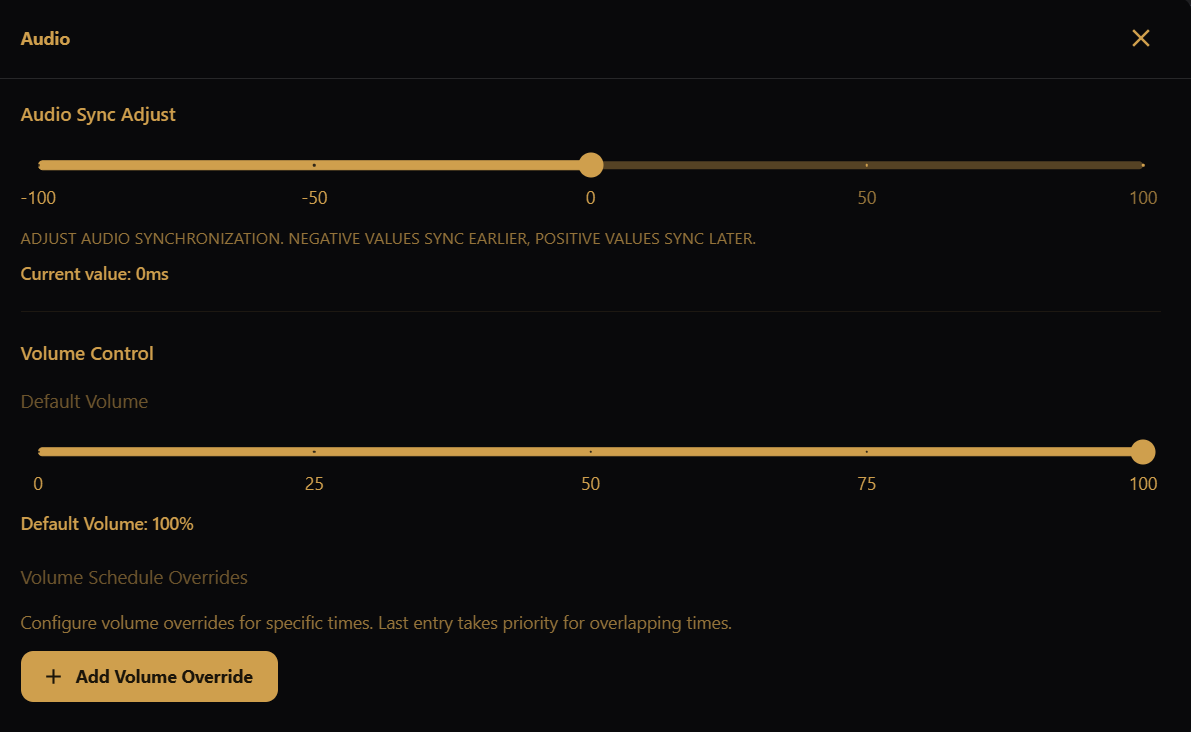
- Default Volume — the baseline output level (0–100%) used when no override is active. Changes ease in smoothly rather than jumping.
- Volume Schedule Overrides — time-bounded volume levels for specific times. Click Add Volume Override to set the days, start/end time, and volume percentage for an override.
When two overrides cover the same time, the last entry wins (the same way Viewer Control resolves overlaps).
Each override appears in a list with its days, time range, volume and priority. Use the pencil to edit an entry, the up and down arrows to lower or raise its priority (entries lower in the list take priority), or the bin to delete it.
If Use default audio output? is set to No, volume overrides are set per device under Audio Devices instead.
Volume lives on the Audio tile of the Settings screen.